Turbo DA
Get sub-250ms pre-confirmations for data submissions using Avail's Turbo DA service.
⚠️Warning
TURBO DA IS CURRENTLY IN PRIVATE BETA
Access to Turbo DA is currently limited only to whitelisted users. If your team is interested in using Turbo DA, please reach out to us at business@availproject.org
Access to Turbo DA is currently limited only to whitelisted users. If your team is interested in using Turbo DA, please reach out to us at business@availproject.org
Introduction
How to get started
- Every account on Turbo DA needs to buy 'credits', measured in
KBs/MBsof data which is the amount of data they can submit to Turbo DA. - Turbo DA is a highly versatile service, and allows you to buy credits in exchange for a wide variety of ERC-20 tokens.
- Follow the steps below to get started:
Step 1: Reach out to us (This step is only needed while the service is in private beta)
Step 2: Sign in to the Turbo DA dashboard
| Mainnet | Turing Testnet | |
|---|---|---|
| Frontend | turbo.availproject.org | staging.turbo.availproject.org |
Step 3: Configure your AppID
- We expect developers building on top of Avail DA to have a specific AppID for their application.
- Configure this
AppIDin the dashboard, and this is where your data will eventually be posted.
Note
NOT FAMILIAR WITH APPIDS?
AppIDs are a core concept every developer building on top of Avail DA should be familiar with.
You can go through this page in our docs for the same.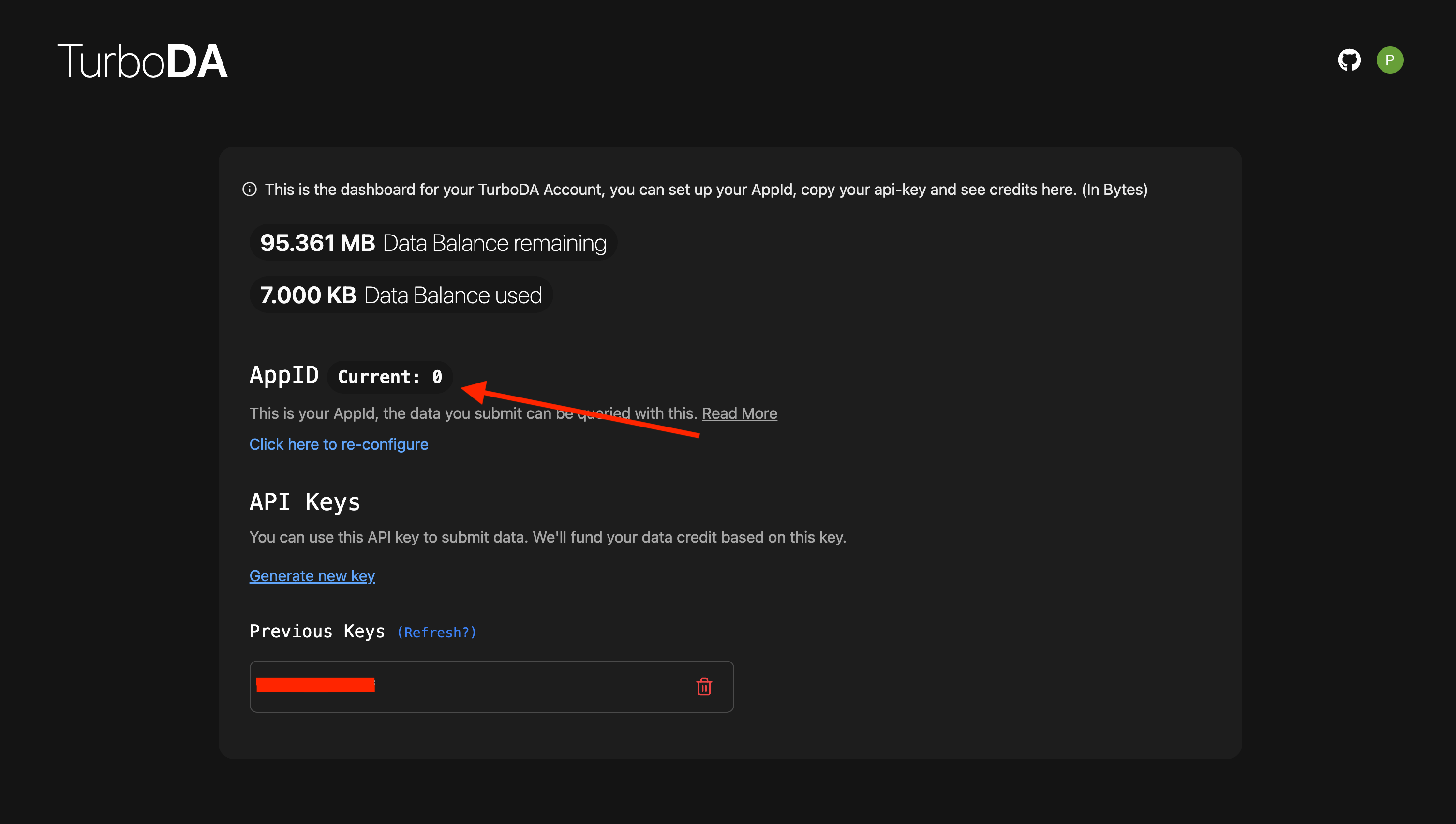
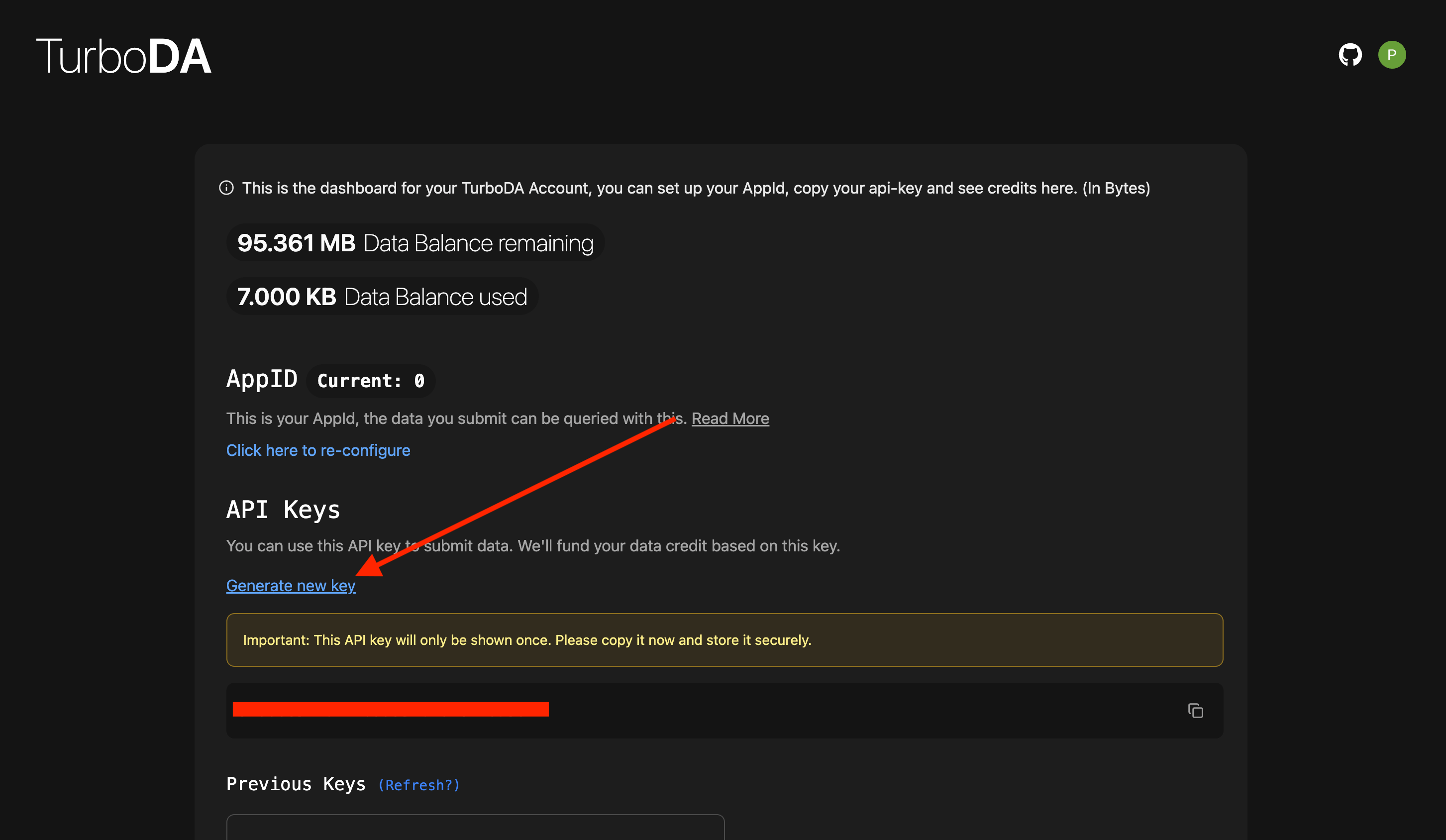
Step 4: Get your API key
Generate new key button to generate a new API key.⚠️Warning
IMPORTANT
- Every API key will only be shown once on the dashboard, so make sure to copy and save it securely.
- You can always delete an existing API key, or generate a new one.
Step 5: Use the API key to submit data
How is this guide?