What are App IDs?
Unique identifiers that separate and filter data submissions on Avail DA by application.
Introduction
- Modular applications are mainly unaffected by other uses of the base layer at the same time.
-
Block sizes can increase without requiring applications to fetch
more data because they don't need to fetch the whole block, only what's
relevant to them.
This filtering is done using the "application id" (AppId).
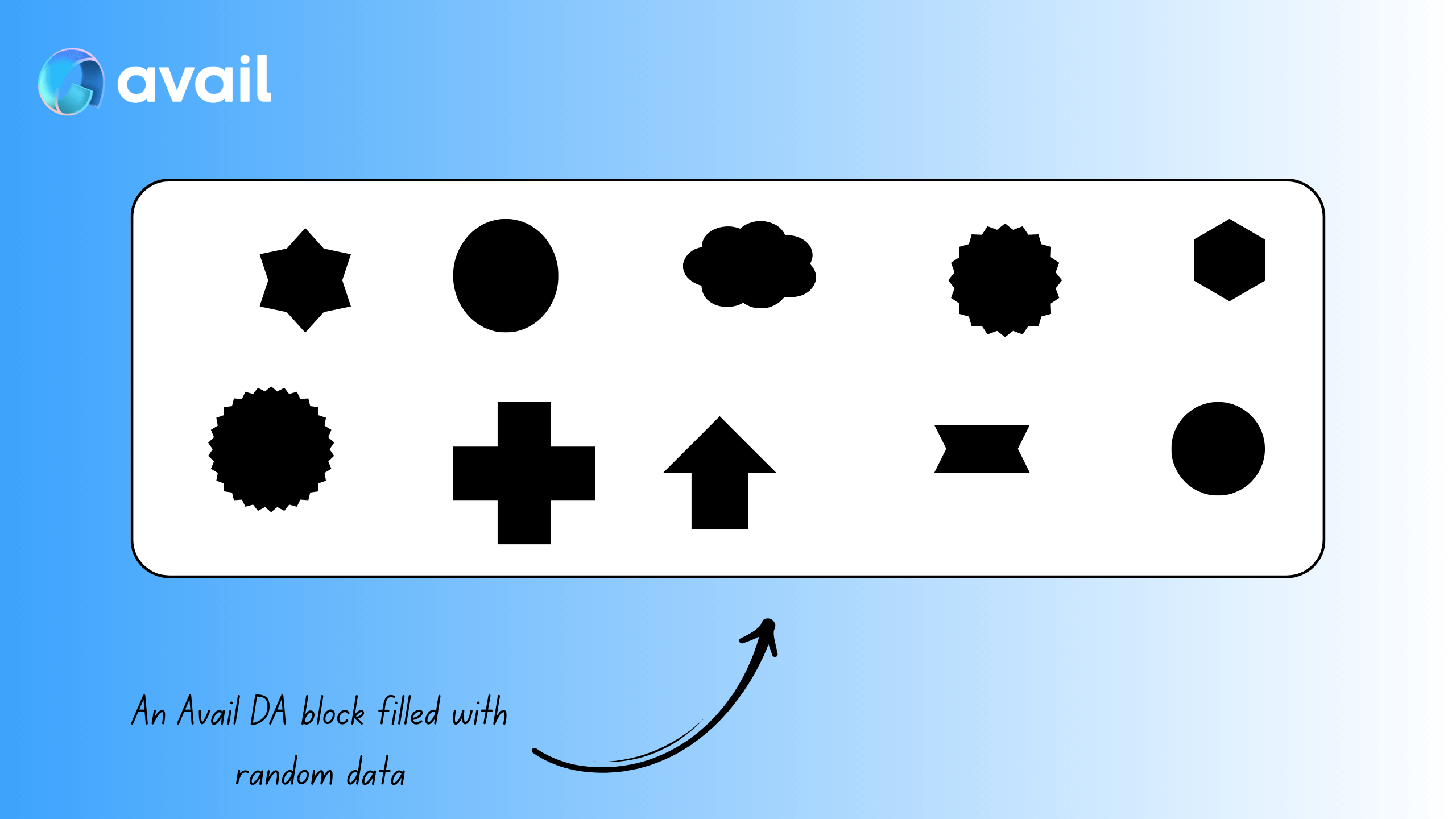
Consider a random block on Avail DA
If all of this data is randomly strewn about in a block, it would be tedious for a rollup to parse through all of it just to fetch the data it needs.
Now think of the same data neatly arranged into its own sections
AppID. A developer now does not need to parse through the entire block to find the data they need, they can simply query data from the
AppID they are interested in.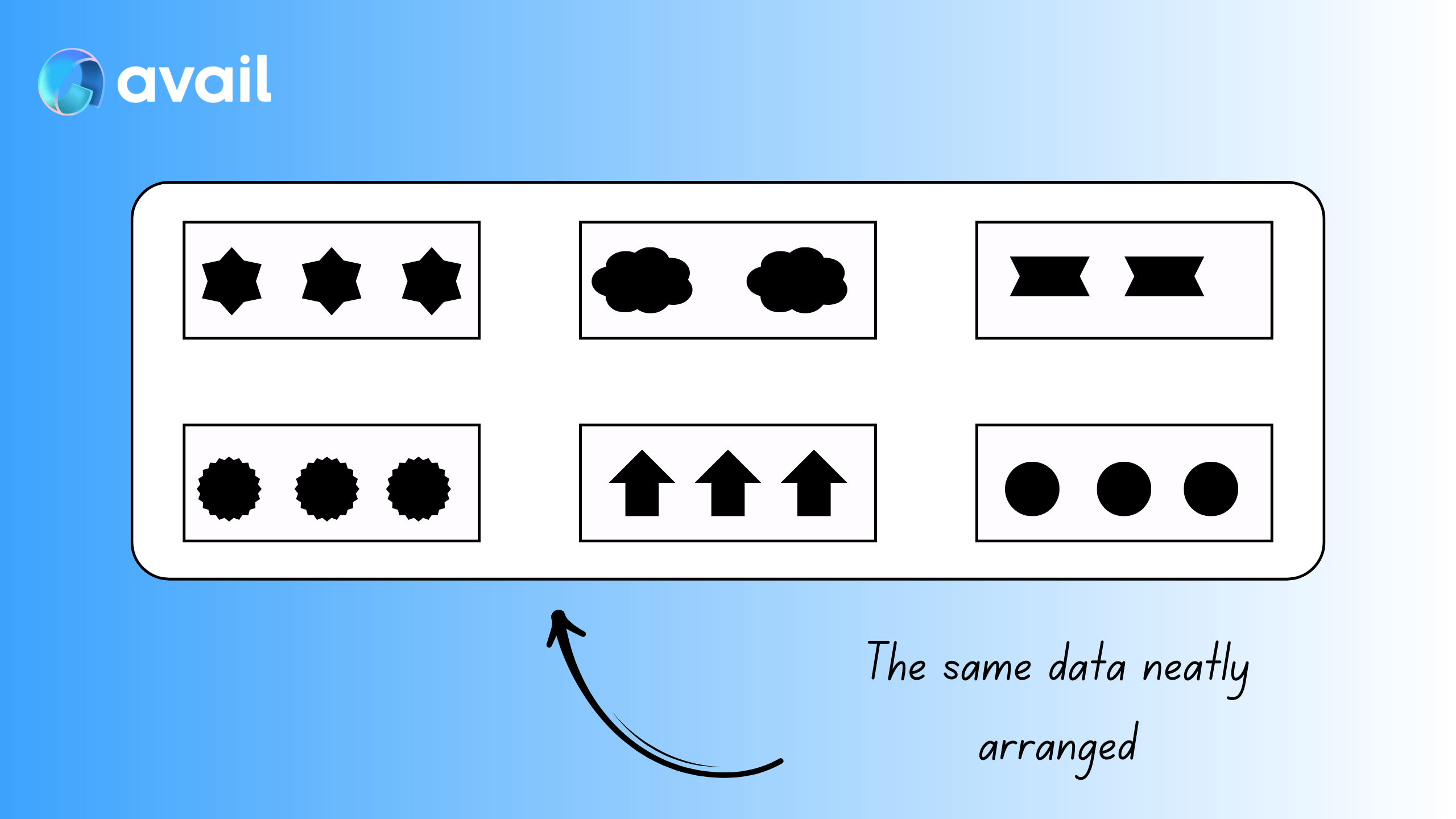
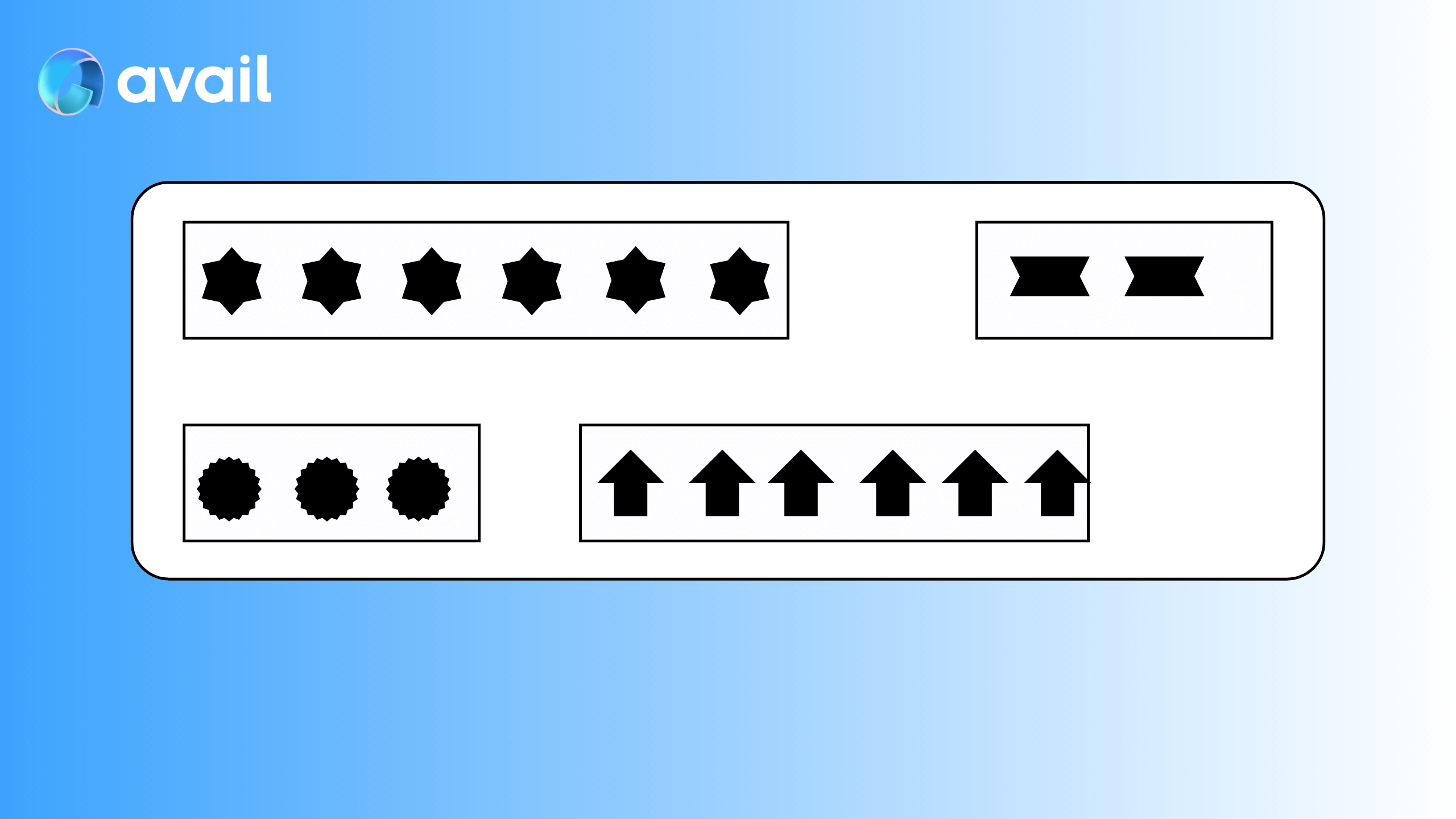
These 'sections' are flexible
AppIDs will be empty in some blocks. On the flipside, some rollups might need to submit more data than usual in a particular block.
None of this is an issue on Avail DA, the individual block builds as needed in the moment.
Structure of an App ID
appID consists of 3 fields:
key: A string that is the name of theappID. EachappIDshould have a unique name.owner: The address of the account that created theappID. A single address can create multipleAppIDs.id: The unique integer index of theappID. It is incremented by 1 every time a newappIDis created and is automatically assigned.
Spam and security
-
The
keyandidfields of everyappIDare unique. If you try to create anappIDwith the samekeyas an existing one, the operation will fail. -
Anyone can submit any sort of data to any
appIDregardless of whether or not they created it.
This is not an attack vector. Avail DA is a DA layer, not an execution environment -- it is not concerned with the validity of the data being submitted, only with its availability. Any app or execution layer building on top of Avail DA can set up rules to filter out unwanted data submissions. For example, they could require that only data submitted with a particular signature is accepted, treating all other submissions as spam.
Note
Ready to create your own App ID?
- Via the explorer: Follow our explorer guide to create one through the UI.
- Programmatically: Use our SDK for programmatic App ID creation.
- API reference: See the createApplicationKey API docs.
How is this guide?