Create an App ID
Learn how to generate unique application identifers for your Avail-based solution.
Note
LOOKING TO READ MORE ABOUT WHAT APPIDs ARE?
You can go through this page in our docs for a deeper understanding of how AppIDs work on Avail.
You can go through this page in our docs for a deeper understanding of how AppIDs work on Avail.
AppID on Avail DA is to use our online AppID generator.
Check the next available AppID
Note
Each
appID consists of 3 fields:key: This is a string that is the name of theappID. EachappIDshould have a unique name.owner: This is the address of the account that created theappID. A single address can create multipleAppIds.id: This is the unique integer index of theappID. It is incremented by 1 everytime a newappIDis created. Whenever a newappIDis created, it is automatically assigned the next availableid.
- Go to appid.availproject and select the correct network from the dropdown.
- Click on
Searchand you will see a list of already existingAppIDson the network.
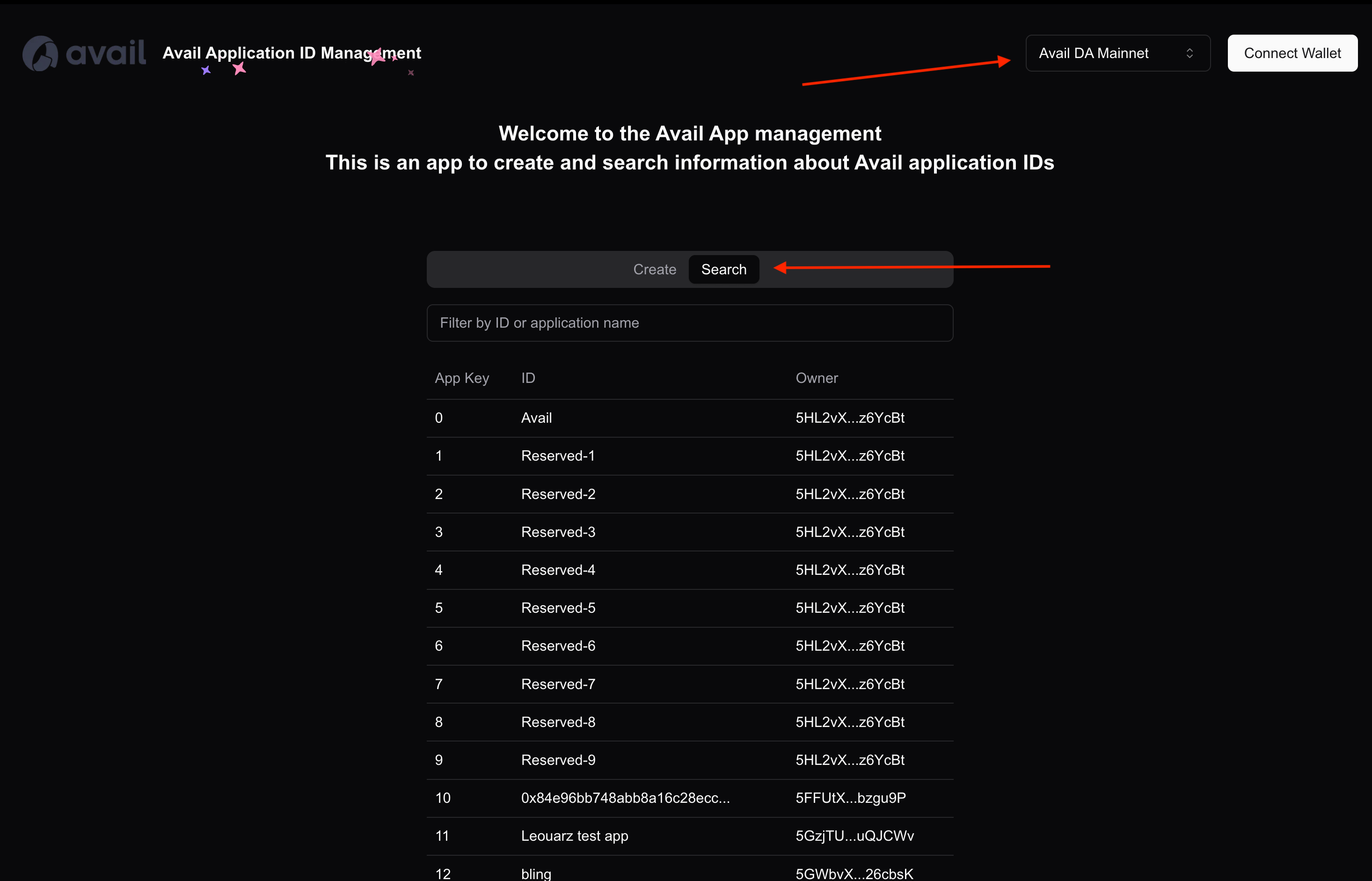
If you choose to create a newAppID, it'sidwill be the next integer in the sequence.
How to register my own AppID?
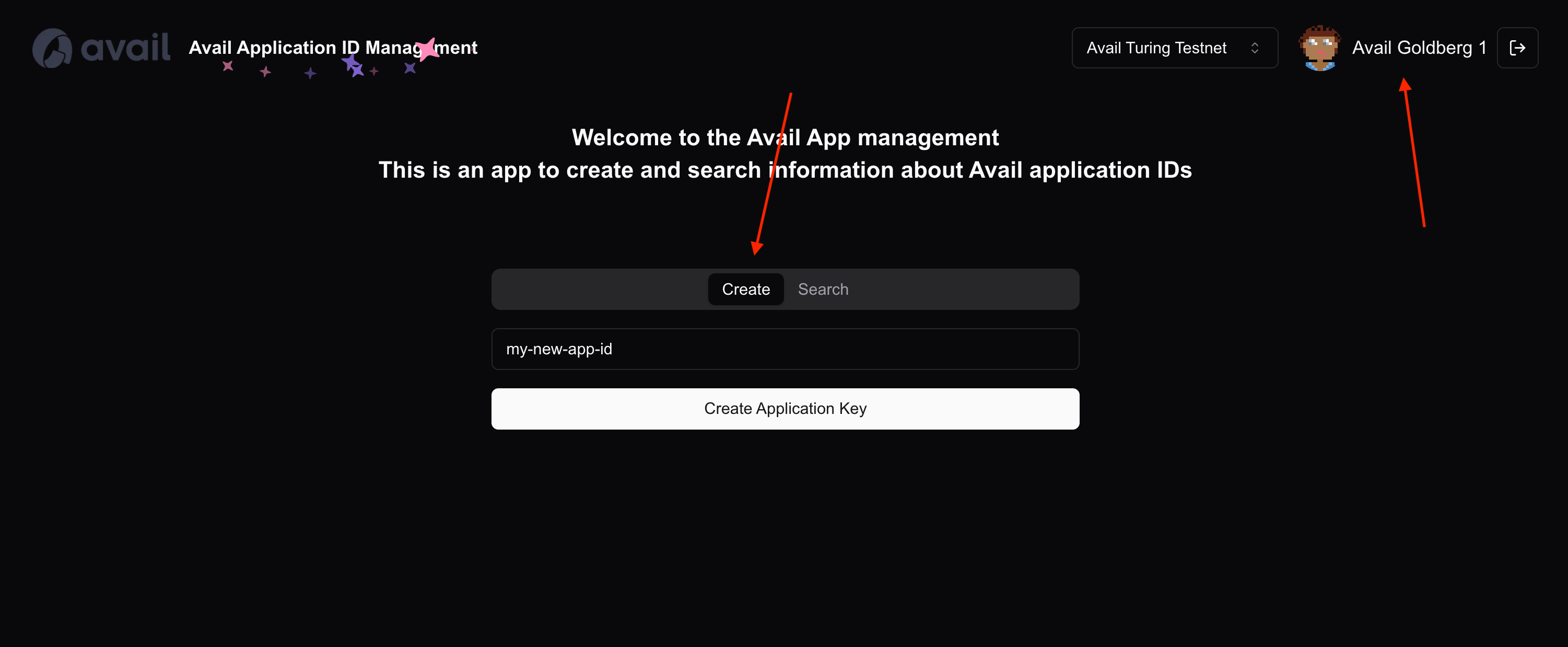
- You need to connect an Avail DA account to the website. Click on
Connect walletto do so.
- Once connected, simply give your
AppIDa name, click onCreate AppIDand approve the transaction in your wallet to create theAppID.
A few more things of note
-
As stated earlier, the
keyandidfields of everyAppIDare unique. This means if you try to create anAppIDwith the samekeyas an existing one, the operation will fail. - If you're a developer and are looking for more programmatic instructions, you can check out our API reference.
How is this guide?