Ledger Fund Recovery
Recover funds on Avail DA using the Avail recovery app for Ledger devices.
What's the problem?
- The
Availledger app derives a different set of addresses as compared to thePolkadotledger app for the same seed phrase. - This means while the addresses derived on the
Polkadotledger app will work onAvail, thePolkadotledger app will not allow users to sign transactions on theAvailnetwork. - To solve this problem we have created the
Avail recoveryapp for ledger devices. - This new app will derive the same set of addresses as the
Polkadot-ledgerapp and allows users to sign transactions on theAvailnetwork, thus giving users access to these funds.
Note
LOOKING FOR INSTRUCTIONS WITH DIFFERENT WALLETS?
- The following set of instructions are written using subwallet.
- But you can use any other wallet that supports ledger devices just as well.
- We also have a guide for setting up a ledger account with Talisman in our docs here
How to use the Avail recovery app?
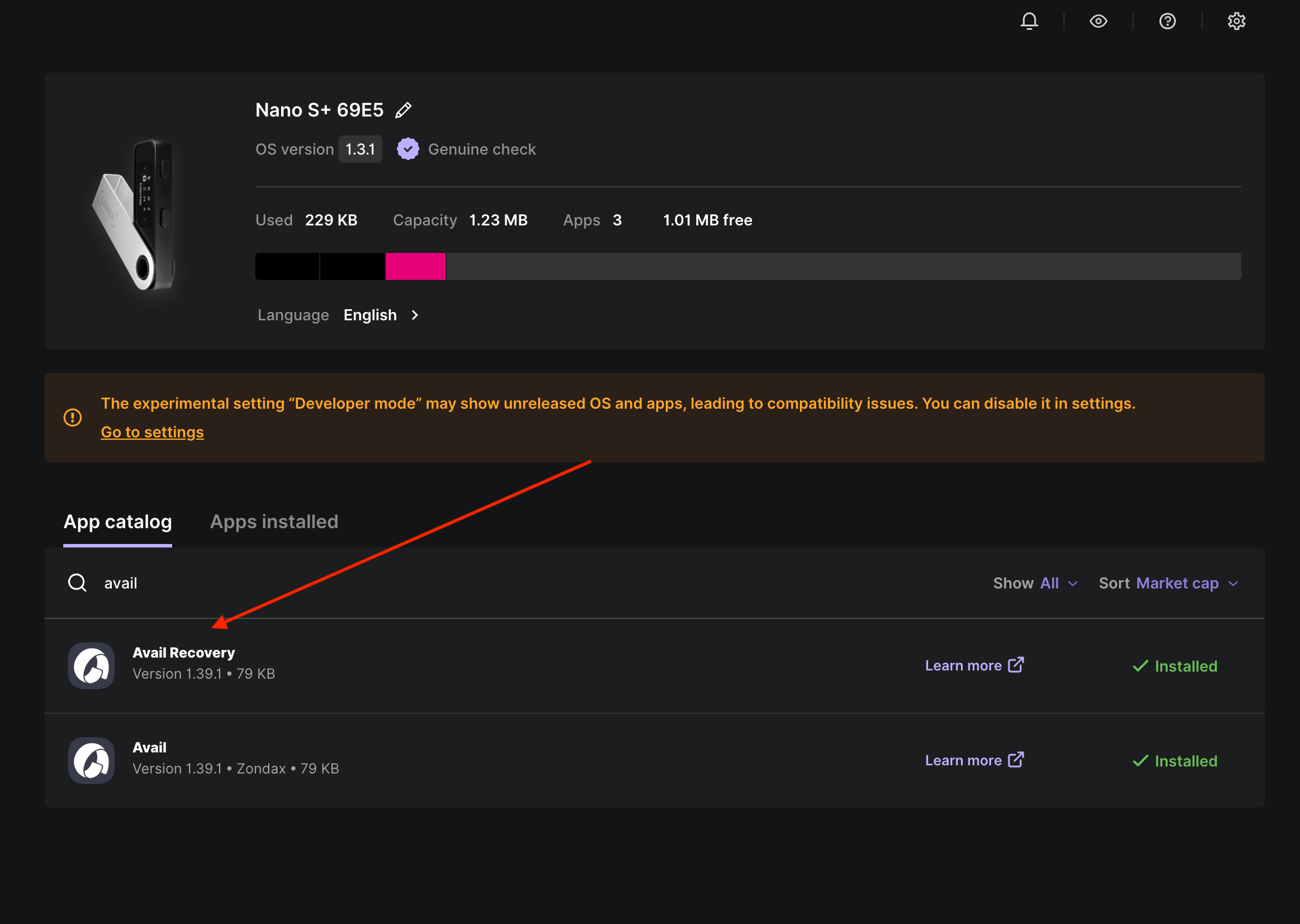
Make sure the Avail recovery app on your ledger device using the Ledger live app.
Note
NOTE:
The
The
Avail recovery app is available on the ledger live app only in the Developer mode.- Go to
My Ledgersection, and find the settings ⚙️ icon on the top right section. - Head to
Experimental Featuresand switch onDeveloper Mode. - Move back to
My Ledger, and searchAvail Recoveryin the search bar.
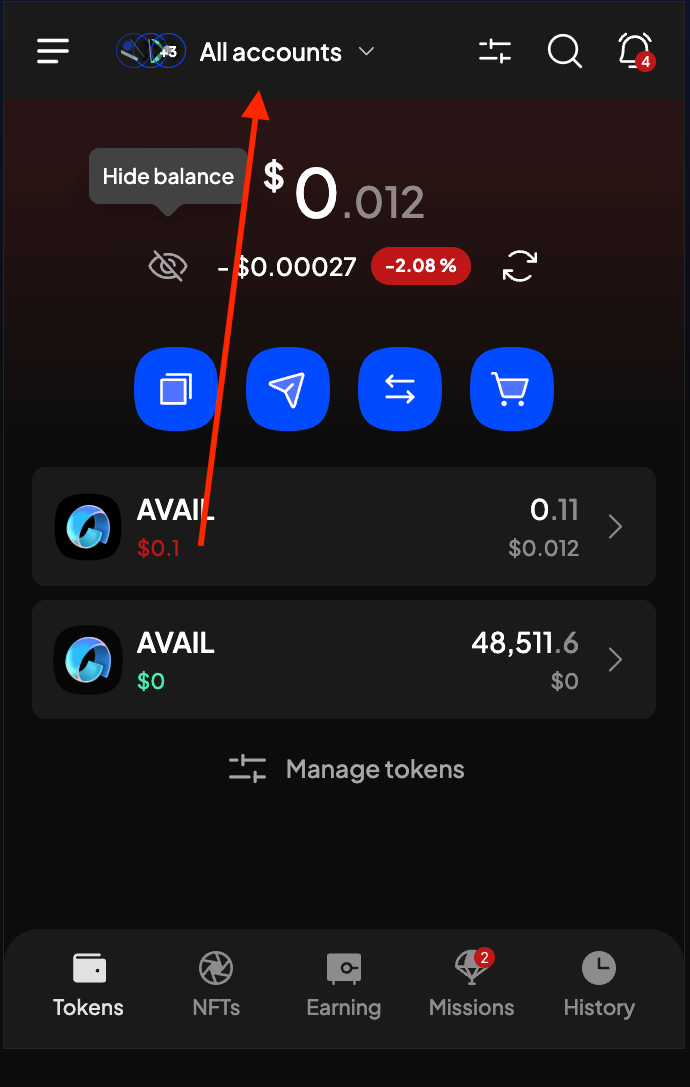
Click on the accounts dropdown in your wallet extension
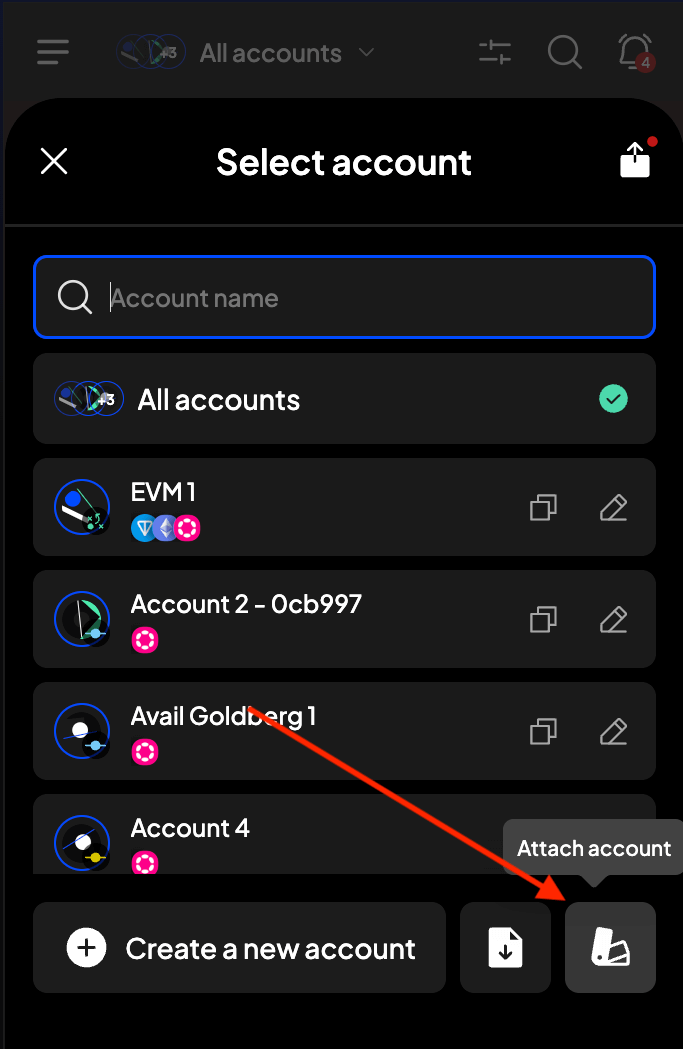
Click on Attach account
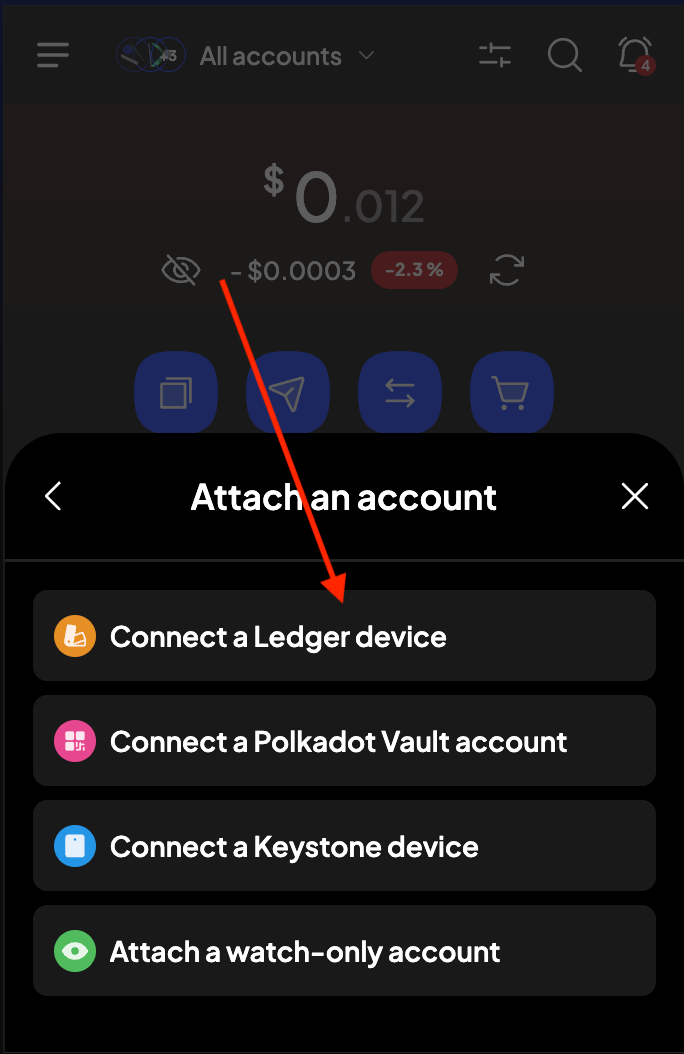
Select the Connect a ledger device option
Search for the Avail recovery app and click on Connect
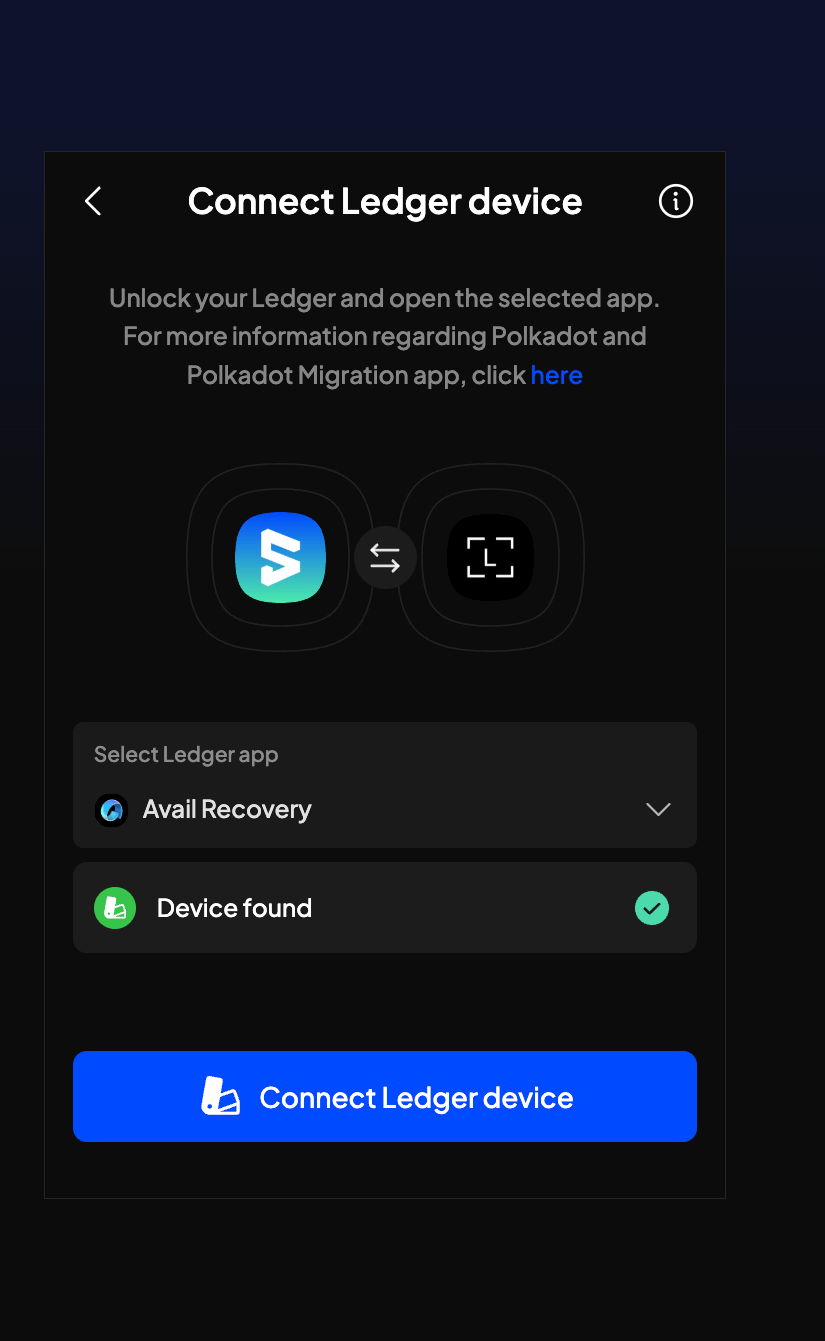
You can now select as many or as few of your ledger accounts to your Subwallet extension wallet
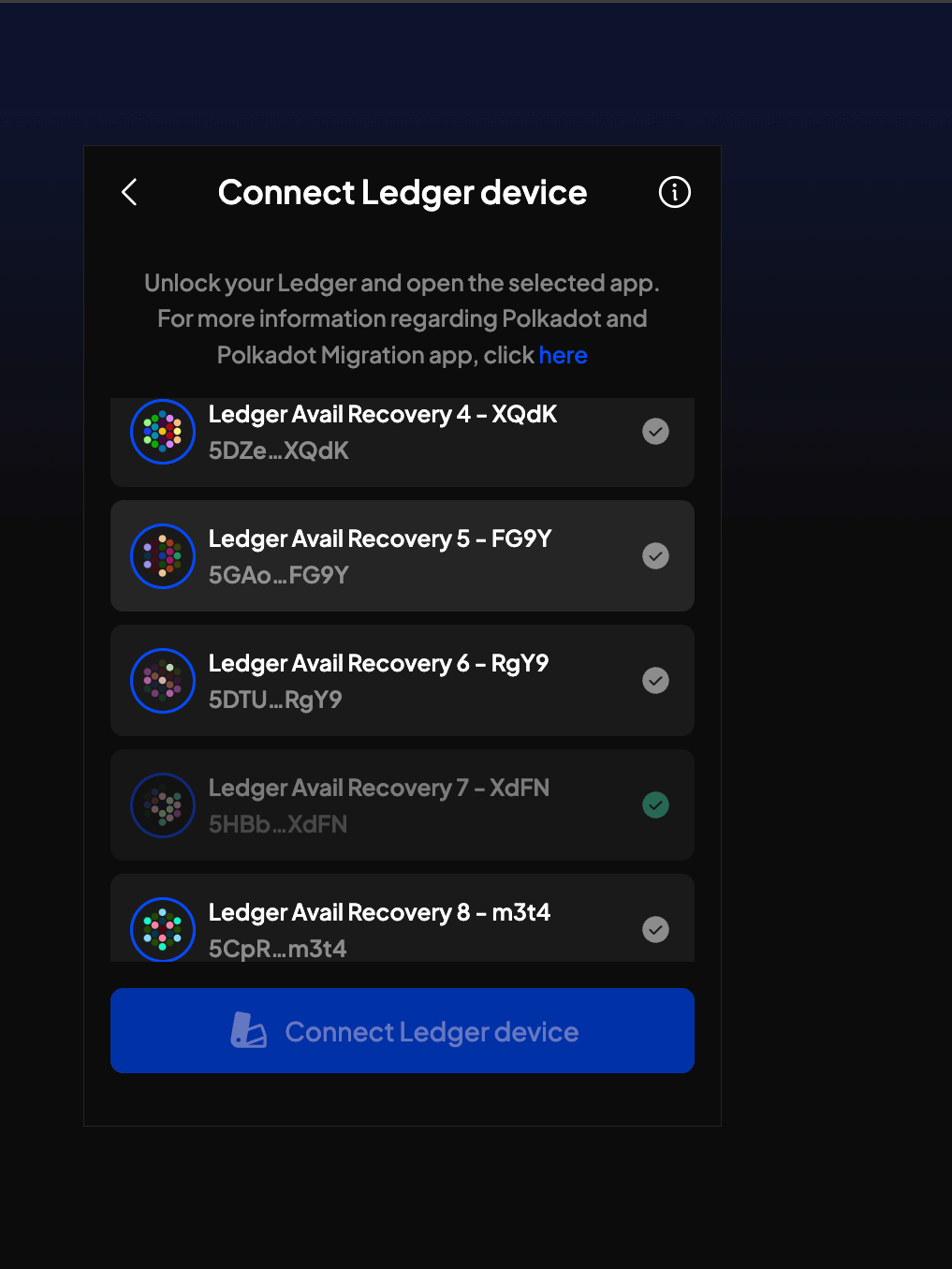
Note
NOT ABLE TO SELECT YOUR ACCOUNTS?
- It is important to remember that the
Avail recoveryapp will derive the same set of addresses as thePolkadotledger app to give you access to your funds. - This means if your wallet already has that same ledger address connected via the
polkadotledger app, you will not be able to import it once again via theavail recoveryapp. - To get around this, you can temporarily delete the polkadot ledger address from your wallet and then re-add it via the
avail recoveryapp. - This does not remove the address from your ledger device, just disconnects it from your wallet.
- Now you should be able to import the same address via the
avail recoveryapp.
How is this guide?