MetaMask Snap
Install and use the Avail MetaMask Snap to interact with Avail DA from within MetaMask.
Introduction
Using the Avail Snap
Install the Avail Snap
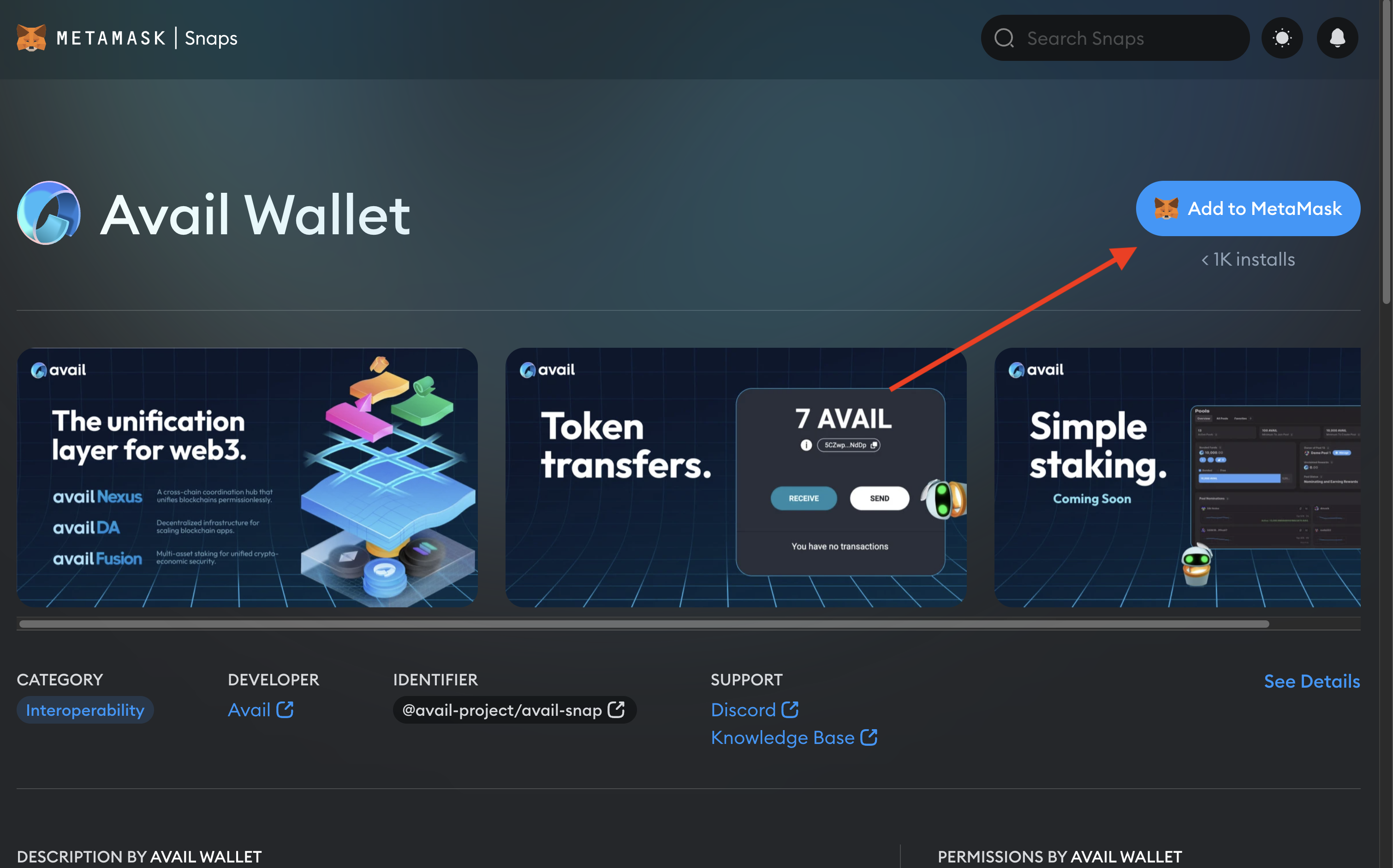
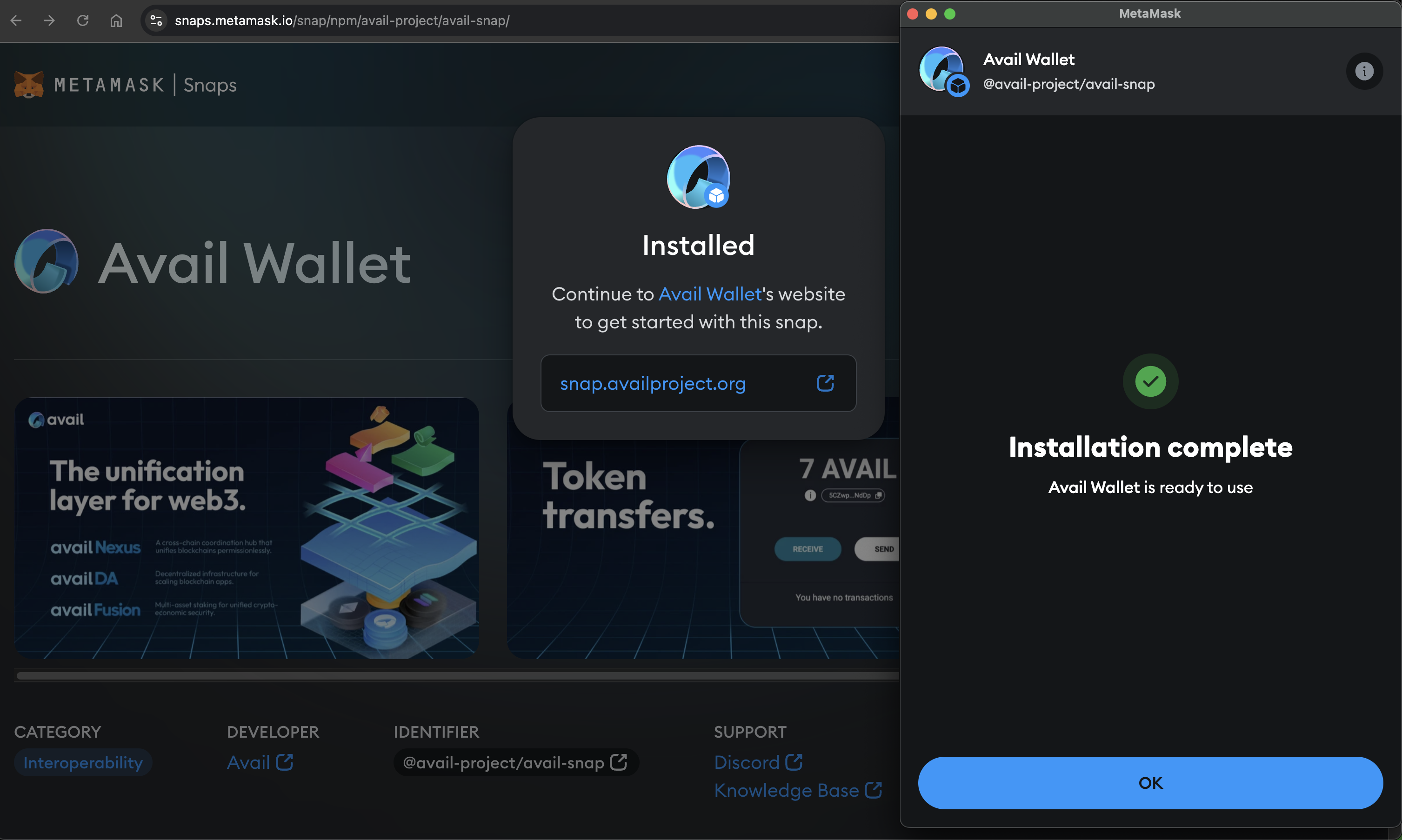
Use the Avail Snap
Note
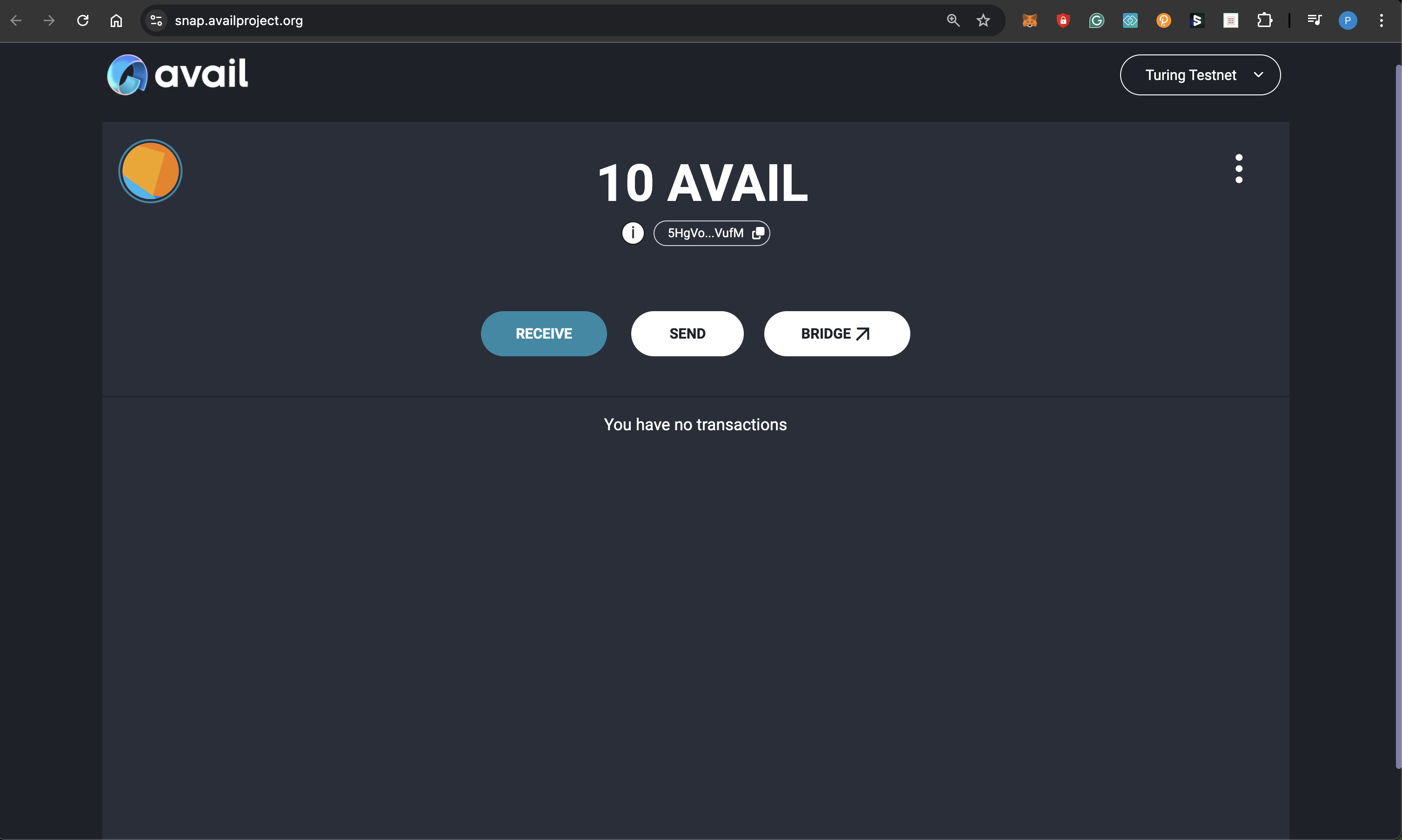
The Avail Snap generates an address for you based on the seed phrase embedded into your
MetaMask wallet. Thus, if you transfer the same wallet to a new system and install
the Avail Snap again, you will derive the same address.
Note
PLEASE NOTE
- You will need to send some AVAIL tokens to your new address before being able to make a transaction with it.
- You can toggle between Avail DA testnet and mainnet by using the dropdown on the top right. Make sure to select the correct network.
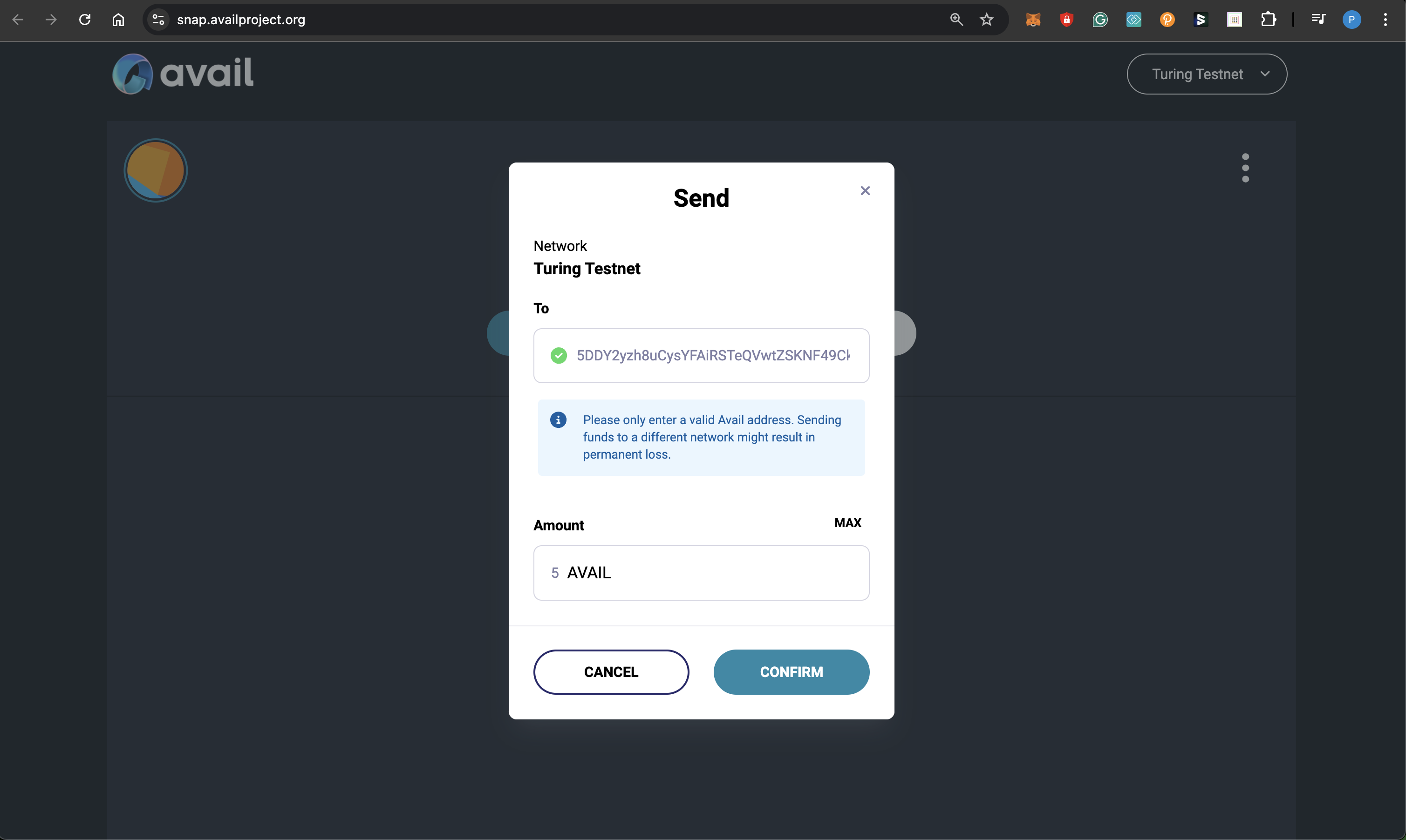
Make a transaction
Note
THE BRIDGE UI
Please note that the
Please note that the
bridge button takes you to a different interface that you can
use to transfer tokens between Avail DA and Ethereum.
The bridge UI does not yet support the Avail Snap.FAQs
Why should I use the Avail Snap at all?
How does the Avail Snap work?
What if I switch to a new system?
Are my keys safe with the Avail Snap?
Has the Avail Snap been audited?
How do I reach out to the Avail team if I have any questions related to the Avail Snap?
How is this guide?