Bridge between Ethereum & Base
Bridge AVAIL tokens between Ethereum and Base using the official bridge UI.
Using the Bridge
Warning
CHOOSE NETWORKS CAREFULLY
The bridge UI defaults to a
Choose your networks carefully.
The bridge UI defaults to a
Avail → Ethereum network combination. Choose your networks carefully.
Go to the official avail-bridge UI & select the networks you want to bridge between
- Go to bridge.availproject.org.
- Select the source chain as
Ethereum - Select the destination chain as
Base - Or vice-versa, if you want to bridge from Base to Ethereum.
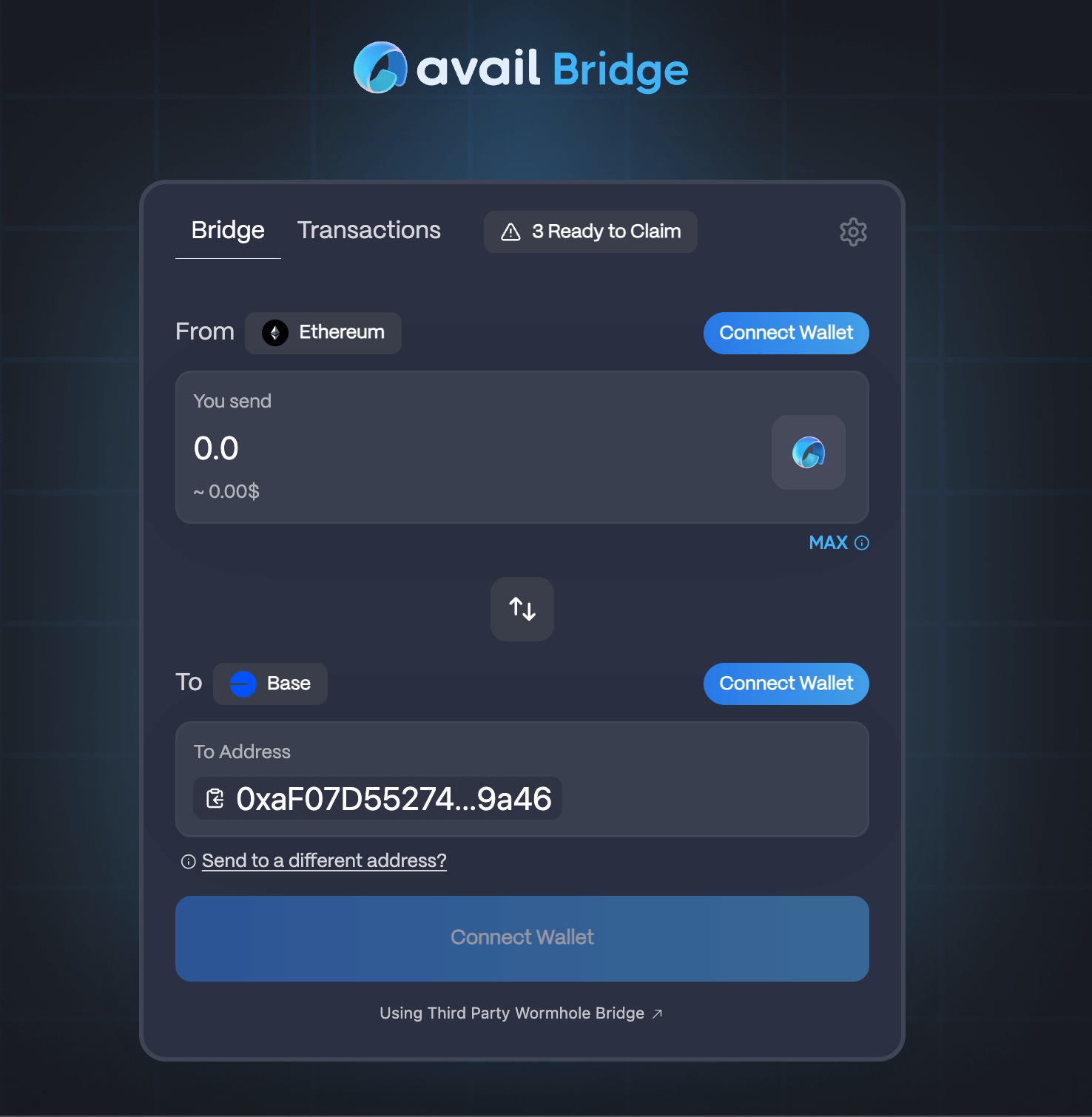
Connect your wallets
- Connect your Ethereum EVM wallet.
- Connect your Base EVM wallet.
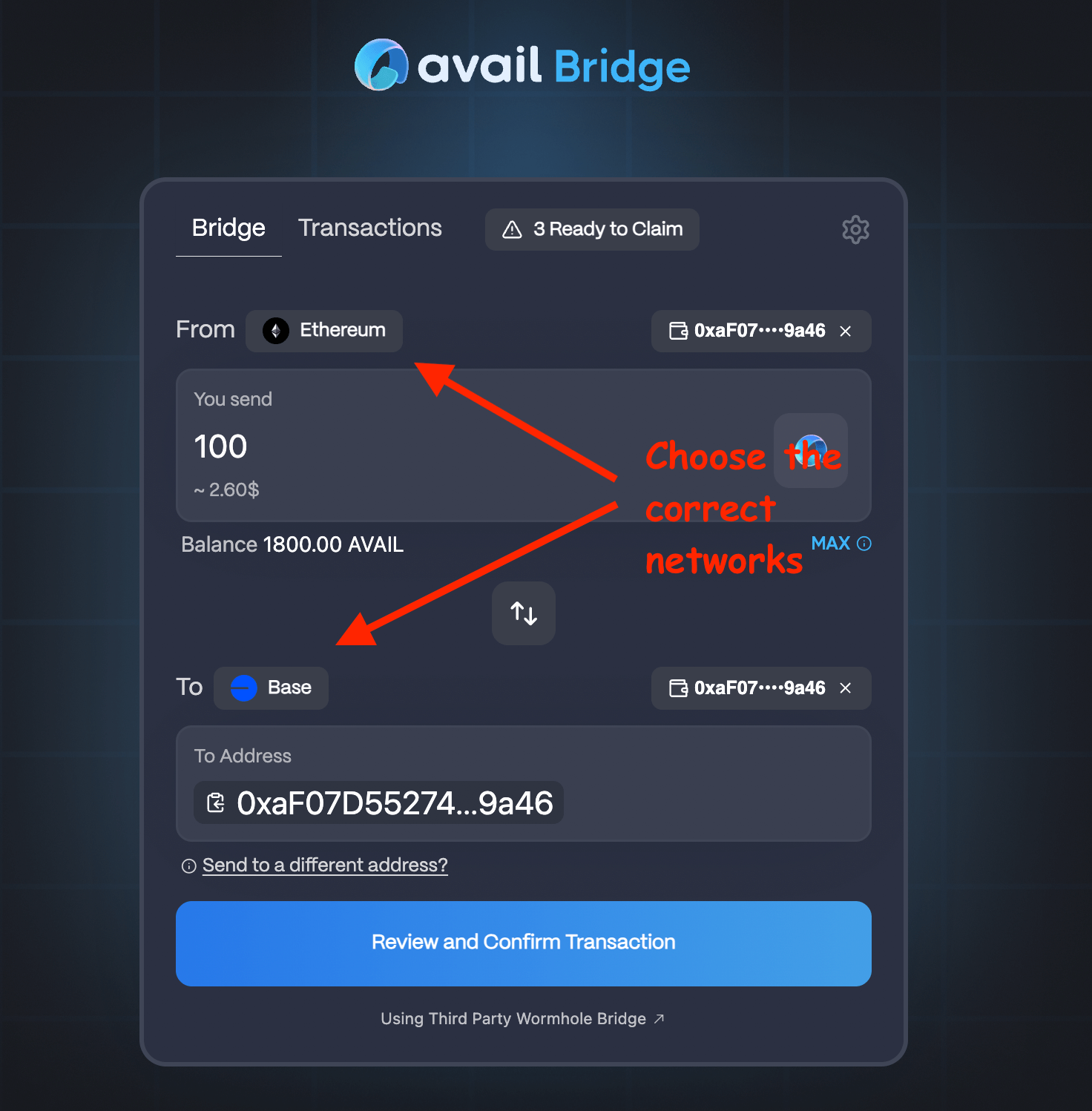
Enter transaction details
- Enter the amount you want to bridge.
- Click on the
Reviewbutton to review your transaction details.
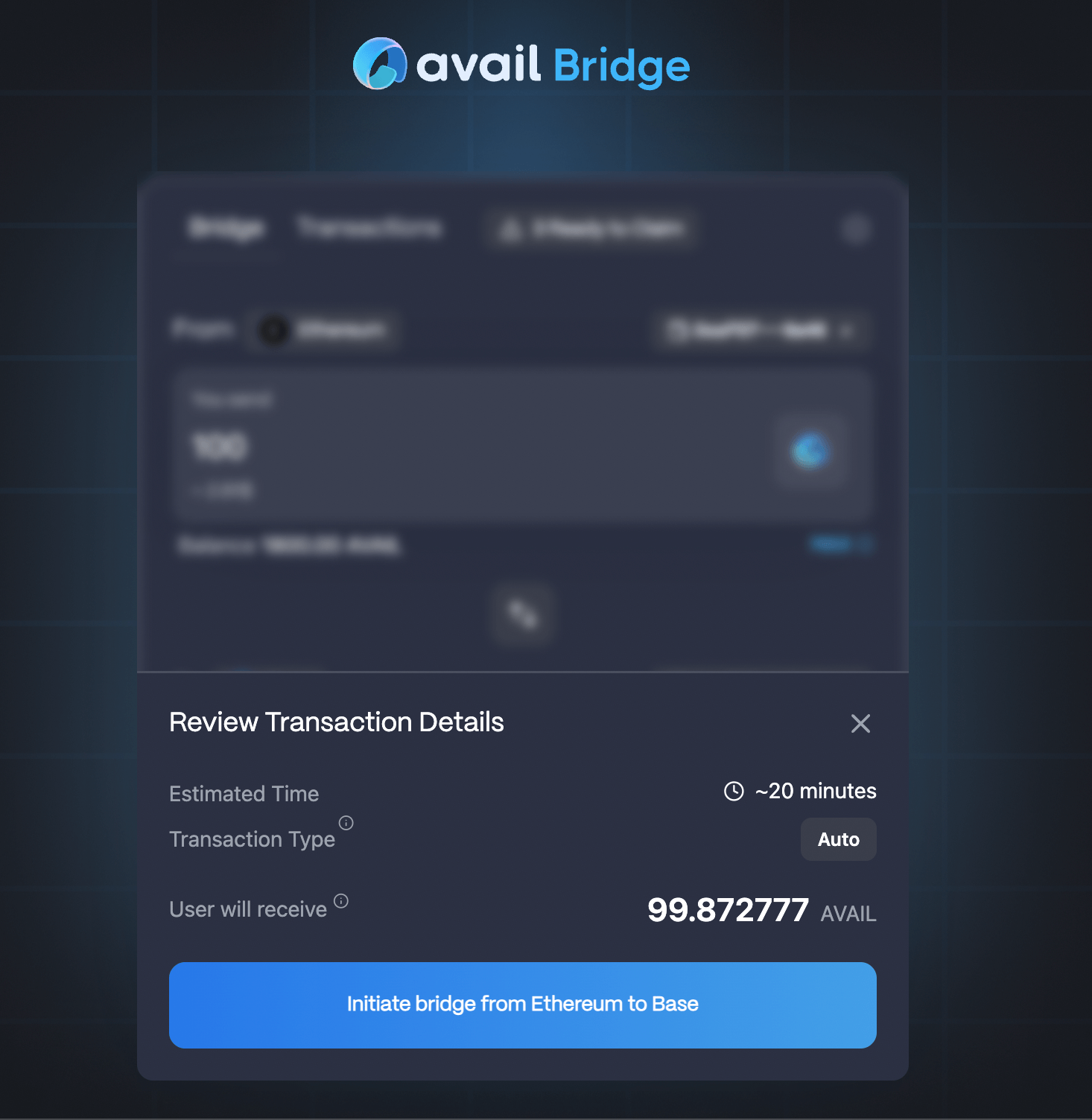
Initiate the bridging process
- Click on the
Initiatebutton to start the bridging process. - Approve the two signatures that pop up.
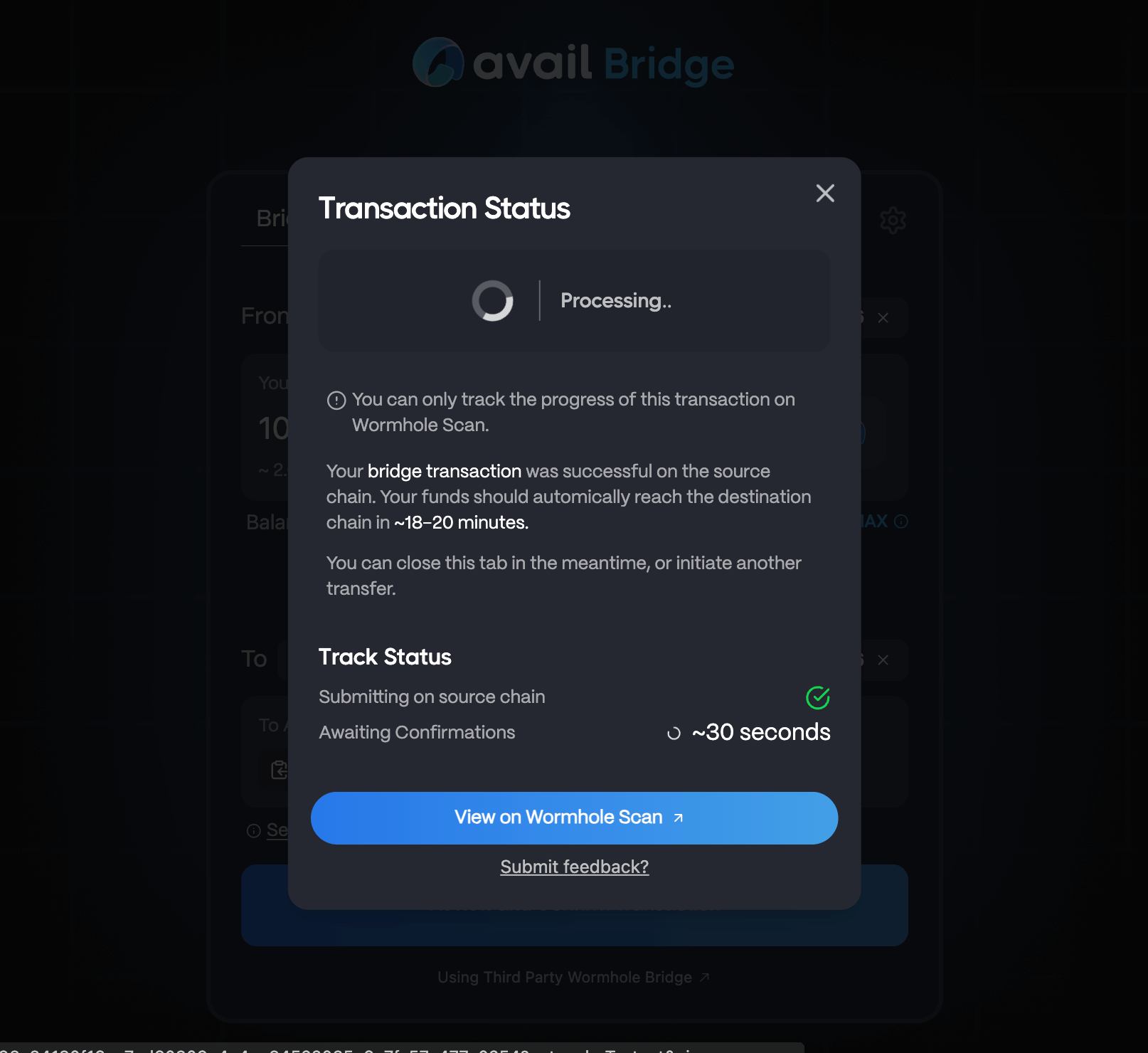
Note
This exact process can be reversed to bridge AVAIL from Base to Ethereum.
How is this guide?